Galloways Talking News: How to listen
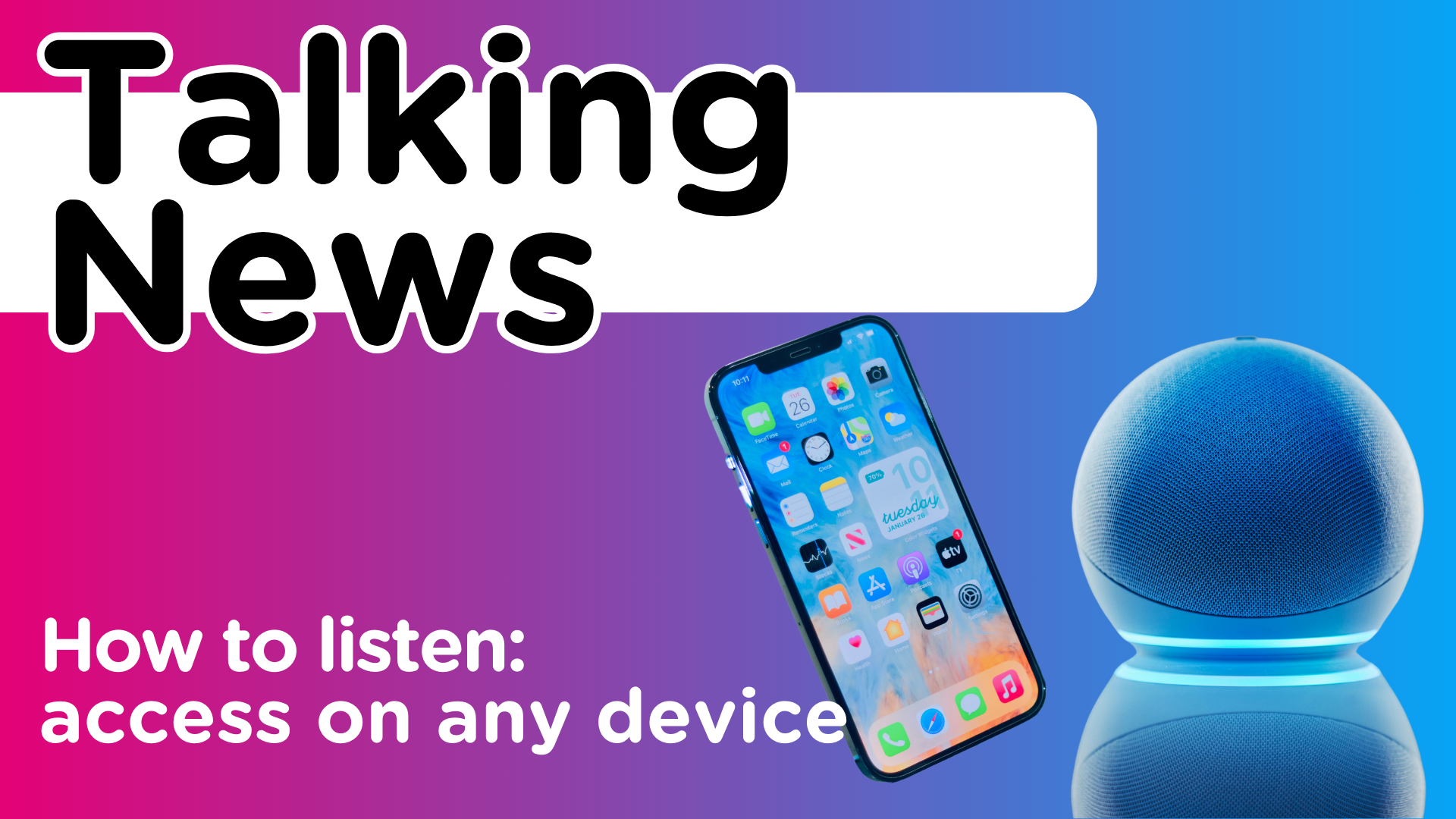
How to Listen to Galloways Talking News: A Guide to the Best Equipment
We aim to make Galloways Talking News service accessible to everyone. Whether you’re at home or on the go, there are various devices that can help you tune into our latest news updates. In this guide, we’ll walk you through the equipment options available, many of which you might already own, and explain how to use them to enjoy our service.
Devices You Can Use to Listen to Galloways Talking News
Here’s a list of devices that are perfect for listening to Galloways Talking News:
-
Laptop/Desktop Computer
-
Smartphone
-
Tablet
-
Alexa Device
How to Listen on Each Device
Laptop/Desktop Computer
You can easily listen to Galloways Talking News on your laptop or desktop by visiting our website. For a step-by-step guide, refer to our detailed instructions on how to access the news via the web. It’s a straightforward way to stay informed with just a few clicks.
Smartphones and Tablets
Both smartphones and tablets offer several ways to access Galloways Talking News:
-
Visit the Galloways website directly on your device.
-
Use the Alexa app.
-
Download and use the BWBF Speech Talking News app. We have instructions available on how to do this on our Digital Hub.
Each of these options provides a simple way to enjoy our services from anywhere you are, as long as you have your device with you.
Alexa Devices
For those who own Alexa-enabled devices, such as the Amazon Echo, you can access Galloways Talking News by enabling the Galloways Skill. We also offer a step-by-step guide to help you get started with the Alexa skill, making it simple to set up and start listening.
Where to Buy Alexa Devices: Alexa devices like the Amazon Echo Dot can be purchased both online and in stores. Prices generally start from £50 on Amazon or £55 from Currys PC World. In addition to playing Galloways Talking News, Alexa devices are incredibly versatile. They can assist with a variety of tasks, such as checking the time, weather, setting alarms, playing music, and keeping you updated with news and information.
British Wireless for the Blind Fund (BWBF)
If you’re registered as sight impaired and on benefits, you may qualify for assistance from the British Wireless for the Blind Fund (BWBF). BWBF offers a range of devices, from simple radios to more advanced, wifi-connected gadgets. They even provide Alexa devices for eligible individuals.
To learn more or apply for a device, visit BWBF’s website.
Help with Setting Up Your Device
If you need assistance setting up any of the devices, we’re here to help. You can contact us at Galloways by calling 01772 744148 and asking to speak with a member of our Learning Skills and Lifestyle team, or contact us online. We’re happy to guide you through the setup process to ensure that you can start enjoying the Talking News service without any hassle.
With these options, staying informed has never been easier. Whether you’re using a computer, smartphone, tablet, or Alexa device, you’ll have a convenient way to tune into the latest updates from Galloways Talking News. If you ever need help, don’t hesitate to reach out—we’re here to assist you every step of the way.